


Setup Security Key
1. Login to USI by going to https://weblogin.usi.edu
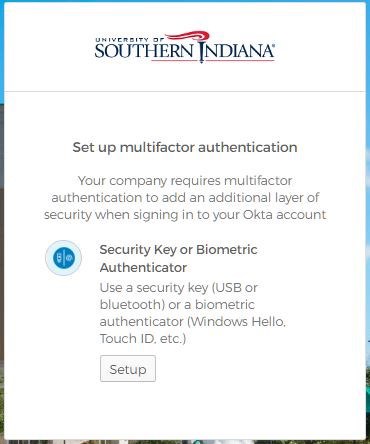
2. After logging into your account, you will be prompted to set up Multifactor Authentication. Select "setup" on Security Key or Biometric Authenticator to configure.

3. Select "Setup"
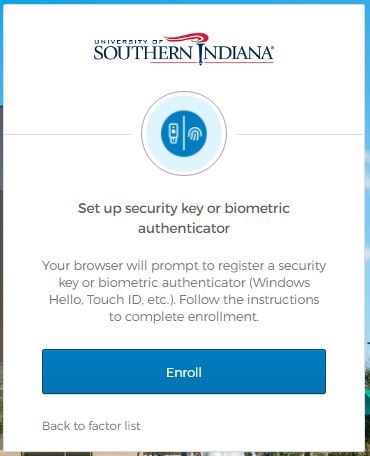
4. Select "Enroll"
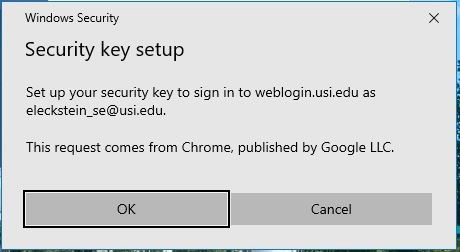
5. Confirm the account you want to attach to your security key and click "OK"
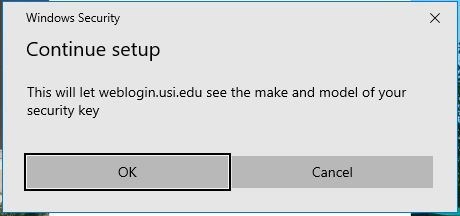
6. Click "OK"
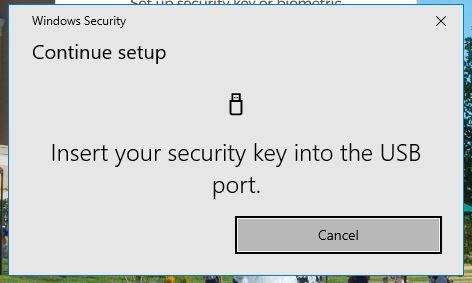
7.Insert your security key into your computer USB Port
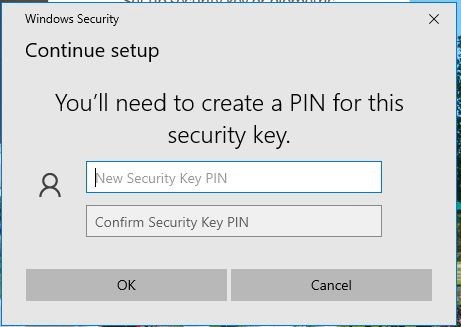
8. Create a PIN, the PIN will be required to login into your account
*The PIN can be any series of numbers, letters, and/or special characters
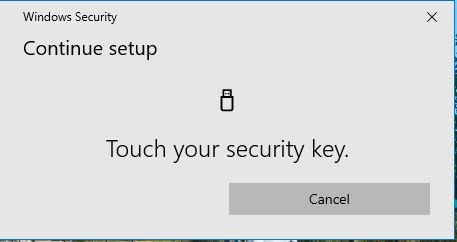
9. After the security key is configured on your computer, touch the button or sensor on security key to finish setting up your device.
Log In with Security Key
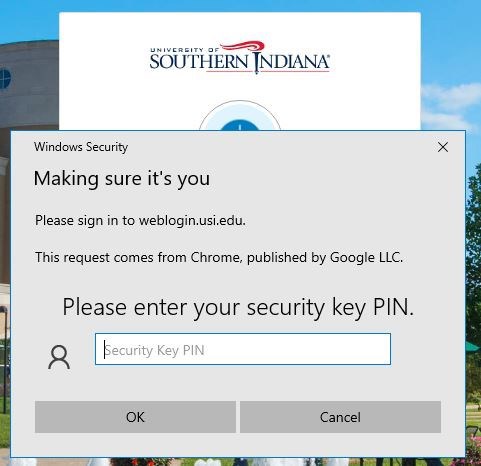
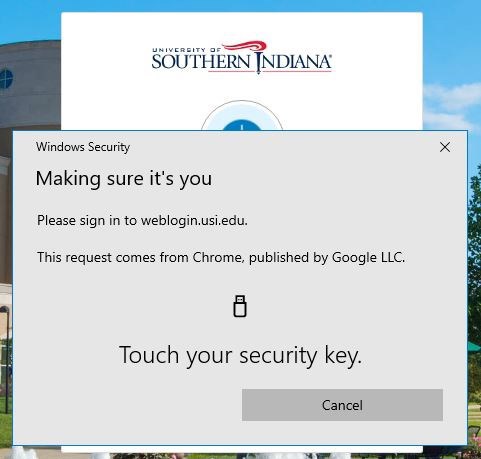
1. On your next login to myUSI or Office 365, you will be prompted to insert the security key and enter the PIN and click "OK"
2. Touch the button or sensor on your security key
You can also use your security key to login to Windows computers. For information on how to do that, please visit Multifactor Authentication with Security Key for Windows Login